Non-profits and community organizations
Website accessibility for Manitoba non-profits and community organizations: donations, programs, volunteering and Man. Reg. 47/2022.
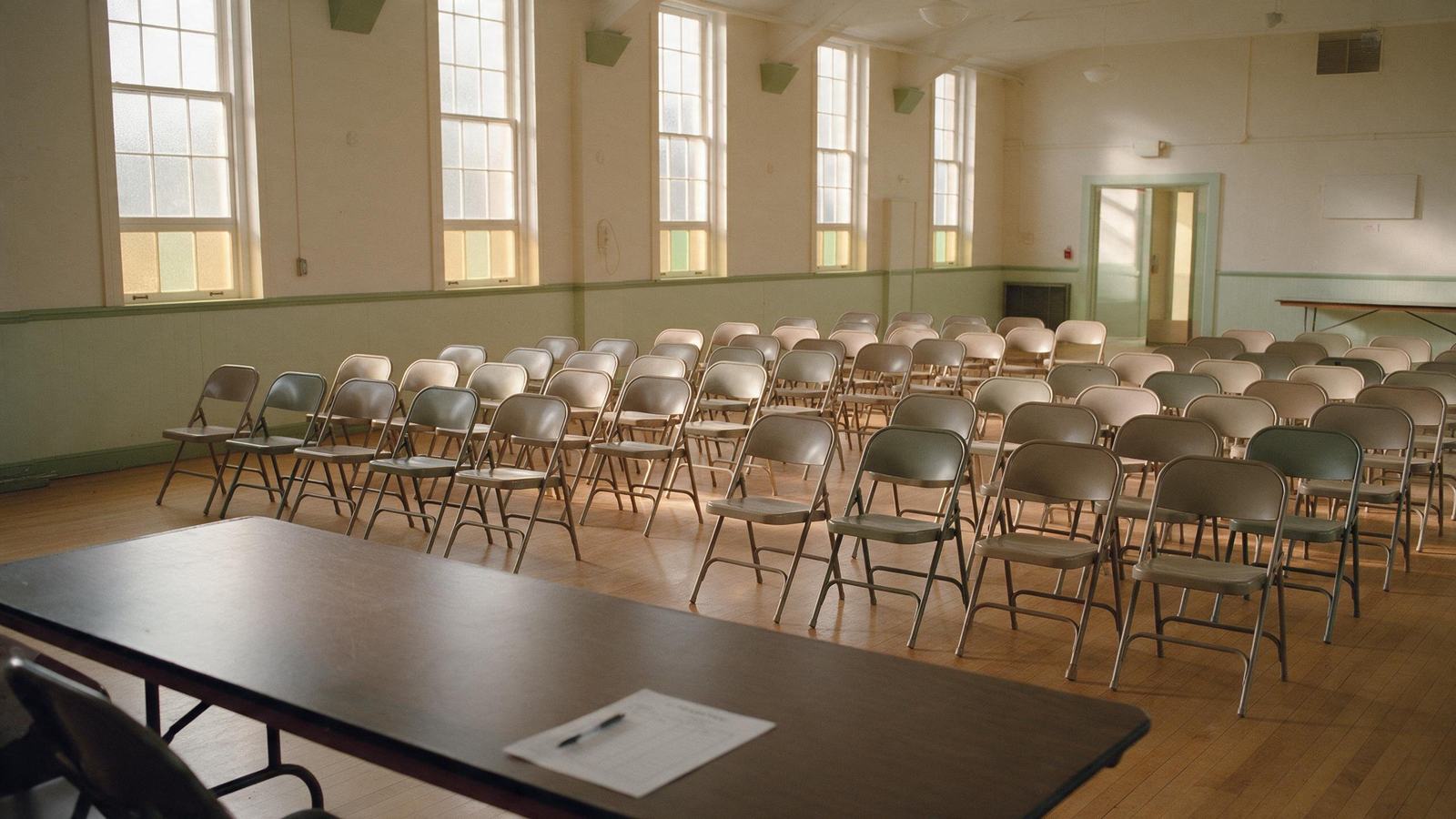
Non-profits and community organizations often serve the people most affected by inaccessible websites. Program participants, clients, volunteers and donors may include people with disabilities, older adults and newcomers. When someone cannot register for a program, find a drop-in schedule or complete a donation because a form does not work with a screen reader, the organization's mission is affected as well as its compliance.
About 27% of Canadians aged 15 and over reported one or more disabilities in 2022 (Statistics Canada, Canadian Survey on Disability 2022). Man. Reg. 47/2022 covers organizations with one or more employees in Manitoba, and has done so since May 1, 2025. That includes many non-profits. Web content must meet WCAG 2.1 Level AA (s. 7(1) (opens in a new tab)).
Where websites in this sector usually fail
The issues below are patterns that recur on non-profit websites. They are typical, not findings about any particular organization.
| Criterion | Issue | Where it appears |
|---|---|---|
| 1.3.1 (opens in a new tab) | Annual reports, newsletters and program guides as untagged or scanned PDFs | Resource and publications pages |
| 4.1.2 (opens in a new tab) | Preset donation amount buttons with no accessible name or selected state | Donation forms |
| 1.2.2 (opens in a new tab) | Videos without captions | Campaign videos, event recordings, testimonials |
| 1.1.1 (opens in a new tab) | Event posters and infographics posted as images with no text equivalent | Events, news and social feeds |
| 2.1.1 (opens in a new tab) | Event calendars and registration widgets that require a mouse | Program and event registration |
| 3.3.1 (opens in a new tab) | Form errors not identified in text | Volunteer applications, program registration |
| 1.4.3 (opens in a new tab) | Text over campaign photography below 4.5:1 contrast | Home page banners, appeal pages |
| 3.1.2 (opens in a new tab) | Content in another language not marked with its language | Multilingual program information |
The journeys we test first
- Making a one-time or monthly donation and receiving a tax receipt
- Finding and registering for a program, class or event
- Applying to volunteer
- Finding hours, locations and how to get help
- Reading the annual report and other publications
- Signing up for the newsletter
We test each journey by keyboard only, with NVDA on Windows and VoiceOver on macOS and iOS, at 200% text size and at 320 CSS px reflow, in addition to automated scans. See our method for details.
Volunteers and part-time staff often update non-profit websites. Fixing the site once is only part of the work. Short, practical guidance on headings, alternative text, link wording and accessible documents helps keep the site accessible after we finish.
Beyond the website
Accessible formats and communication supports (s. 5 (opens in a new tab))
Participants and supporters should know they can ask for information in a format that works for them. That might mean program guides and registration forms in large print or as accessible electronic files, staff or volunteers who will complete a form with someone by phone, and event materials provided in advance on request. A notice on the website, at reception and on printed flyers lets people know.
Feedback process (s. 9 (opens in a new tab))
People need an accessible way to tell you about barriers, online or in person. An email address, phone number and simple form, plus the option to give feedback at a front desk or program site, usually serves community organizations well.
Training (s. 4 (opens in a new tab))
The training requirement covers people who communicate publicly on the organization's behalf, who maintain web content, or who buy information and communication technology. For a non-profit, that can include reception staff, program coordinators, communications staff and, where they play those roles, volunteers. Training applies as soon as reasonably practicable. Large employers must also document a training policy (s. 4(4) (opens in a new tab)).
What an engagement looks like
Non-profit websites are often built on WordPress or a hosted site builder, with embedded donation, event registration and newsletter tools. Budgets are usually fixed, so we scope carefully.
- Audit. We test your key journeys and templates against all 50 WCAG 2.1 AA success criteria and record each issue with its location.
- Fixed quote. You receive a written, fixed quote, which can be useful for board approval or grant applications.
- Remediation that preserves your design. We repair code, contrast, forms and documents with the least visible change. Where a donation or registration tool is outside your direct control, we document the issues, review the exceptions in s. 7(2) (opens in a new tab), and help you request fixes or offer another way to give or register.
- Verification. Every fix is retested with assistive technology.
- Compliance pack. You receive documentation, notice and feedback wording, and training material suited to staff and volunteers.
We never use overlay widgets. If anything we repaired is later found not to meet WCAG 2.1 AA, we correct it at no charge. See services and resources.
To discuss an audit for your organization, contact us, call (431) 816-6210 or email hello@prairieaccessibility.ca.
Last reviewed October 2026. General information, not legal advice.

Next step
Find out where your website stands.
Book a 20-minute consultation. We review your website with you, explain what applies to your organization, and follow up with a fixed written quote.